A scanned PDF is a stack of photos of paper. You cannot search it, copy a sentence from it, or let a screen reader speak it. OCR, short for optical character recognition, reads the letters in those photos and adds a hidden text layer. It is coming to PDF Keel Pro.
How to ocr with PDF Keel
- Open your scanned PDF here. The editor works on it today for signing, rotating and more.
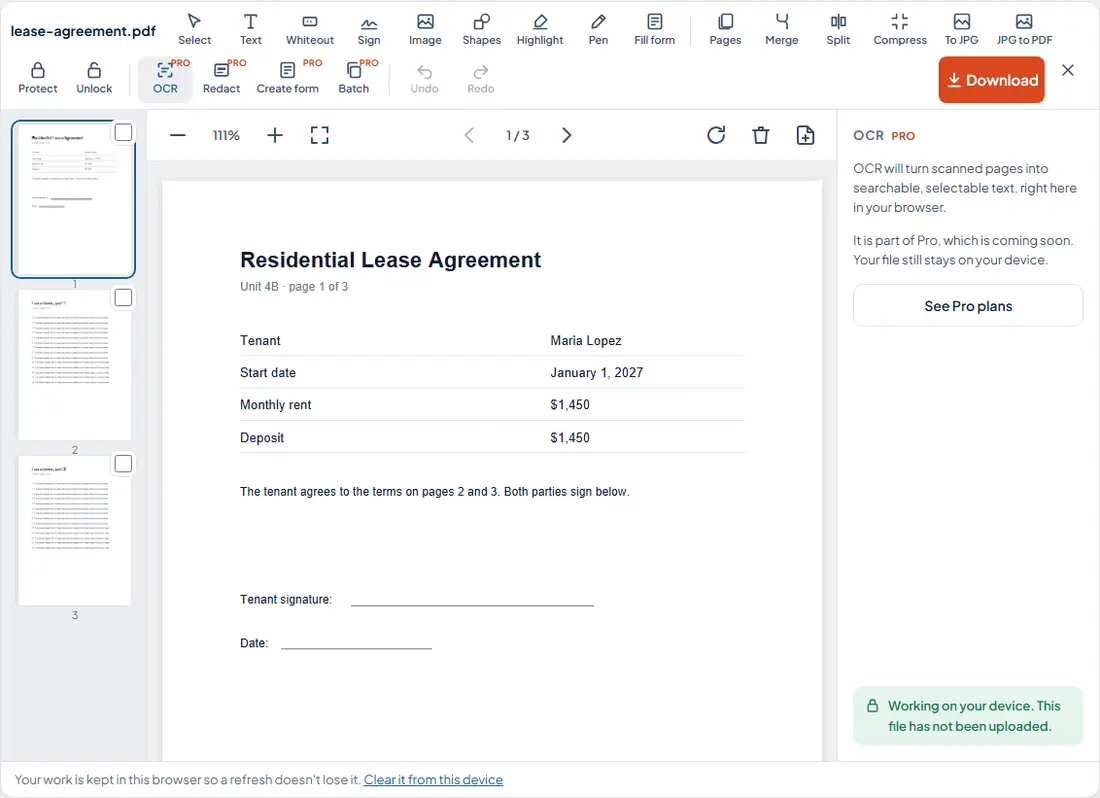
- Pick OCR in the toolbar to see the plan. It is marked PRO.
- When it launches, OCR will read each page on your device and add searchable text behind the image.
- English comes first. More languages will follow.
What it can't do
OCR is not available yet, so nothing is recognized today. When it ships, handwriting and very blurry scans will still be hard to read correctly. It will add a text layer and will not turn the scan into an editable document.
Tip
Until then, you can still make scans easier to handle. Rotate sideways pages and run Compress on Medium to shrink large scans before sending them.
Questions
Will OCR upload my scans?
No. It will run in your browser like the rest of PDF Keel.
How much will it cost?
It is part of Pro: $5.99 a month, $49 a year, or $79 once. See the pricing page.
When is it coming?
We are building it now. The pricing page will say when Pro opens.